← Back to the journal
Guides·1 min read·24 August 2026
Design in 360°: the builder's hidden shortcuts
Right-click menus, drag and drop, undo, showcase mode — tips to design in minutes.
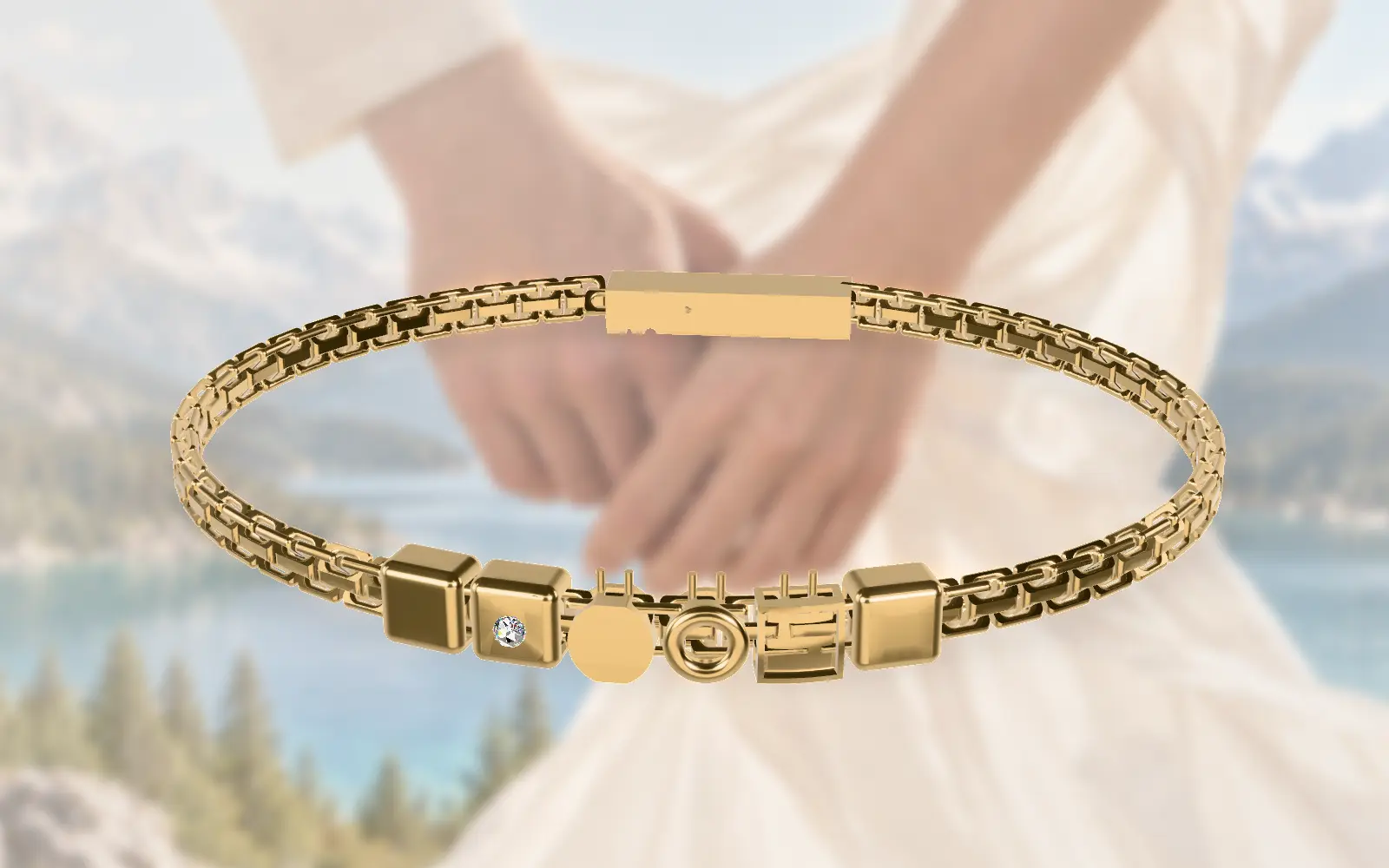
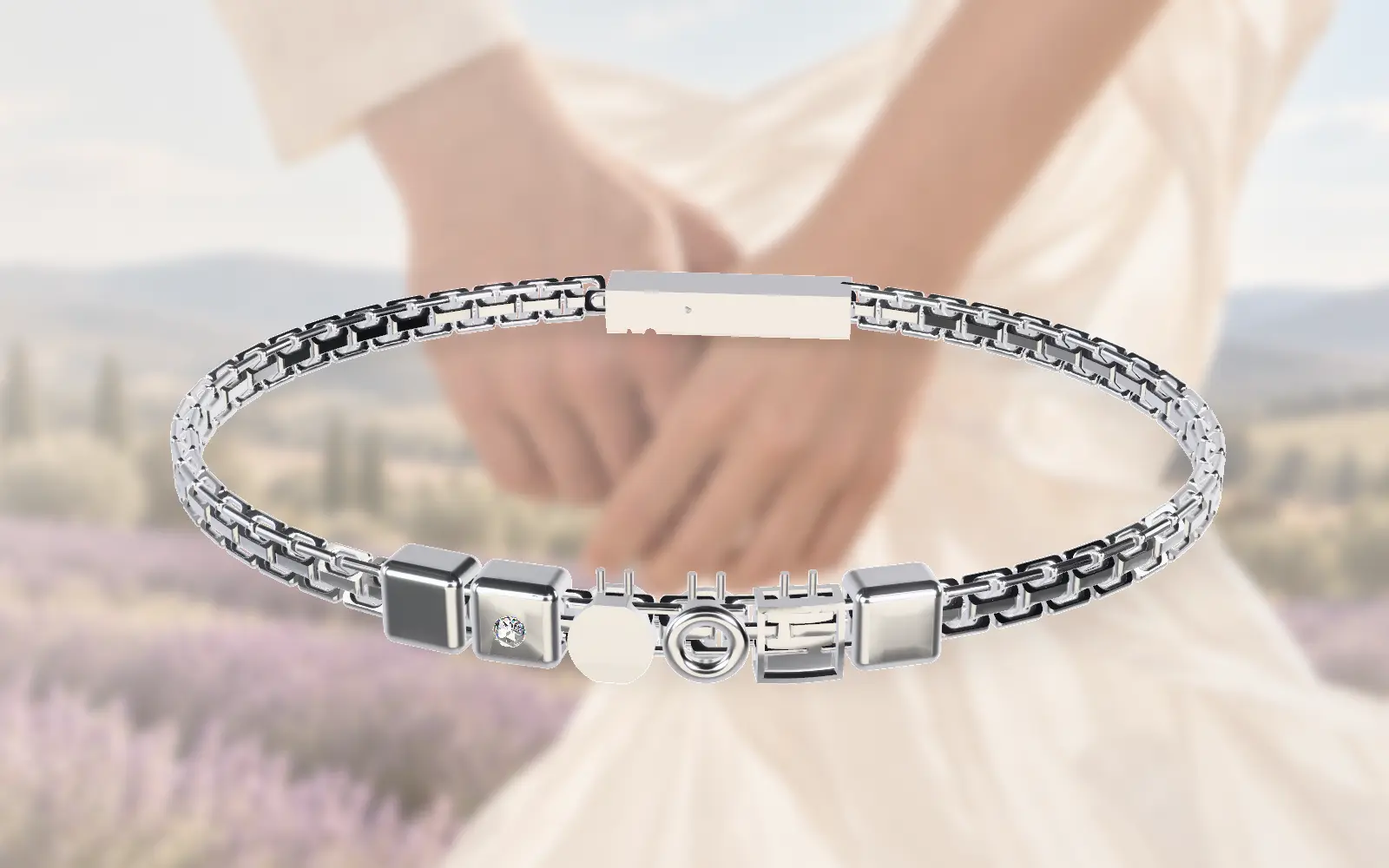
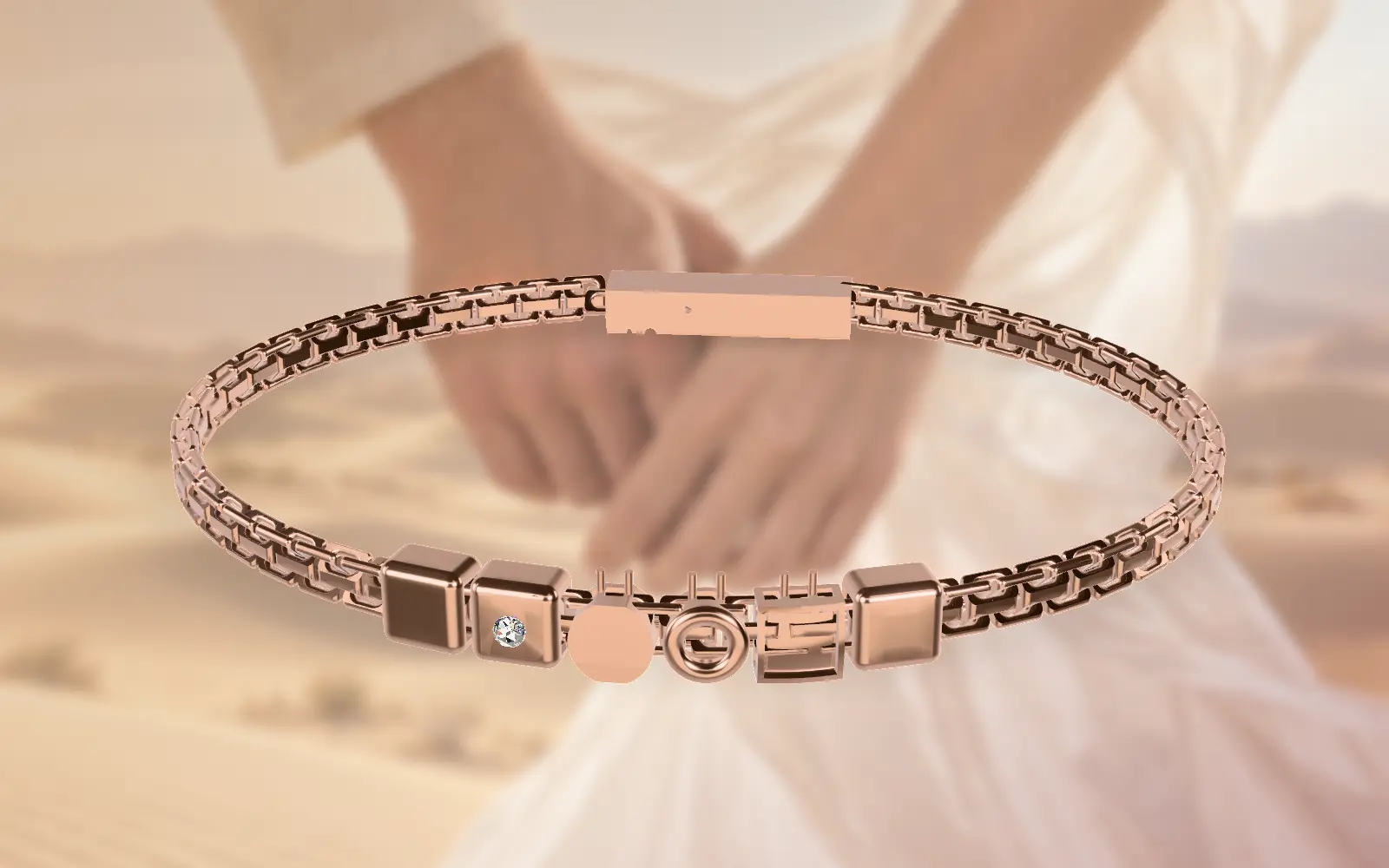
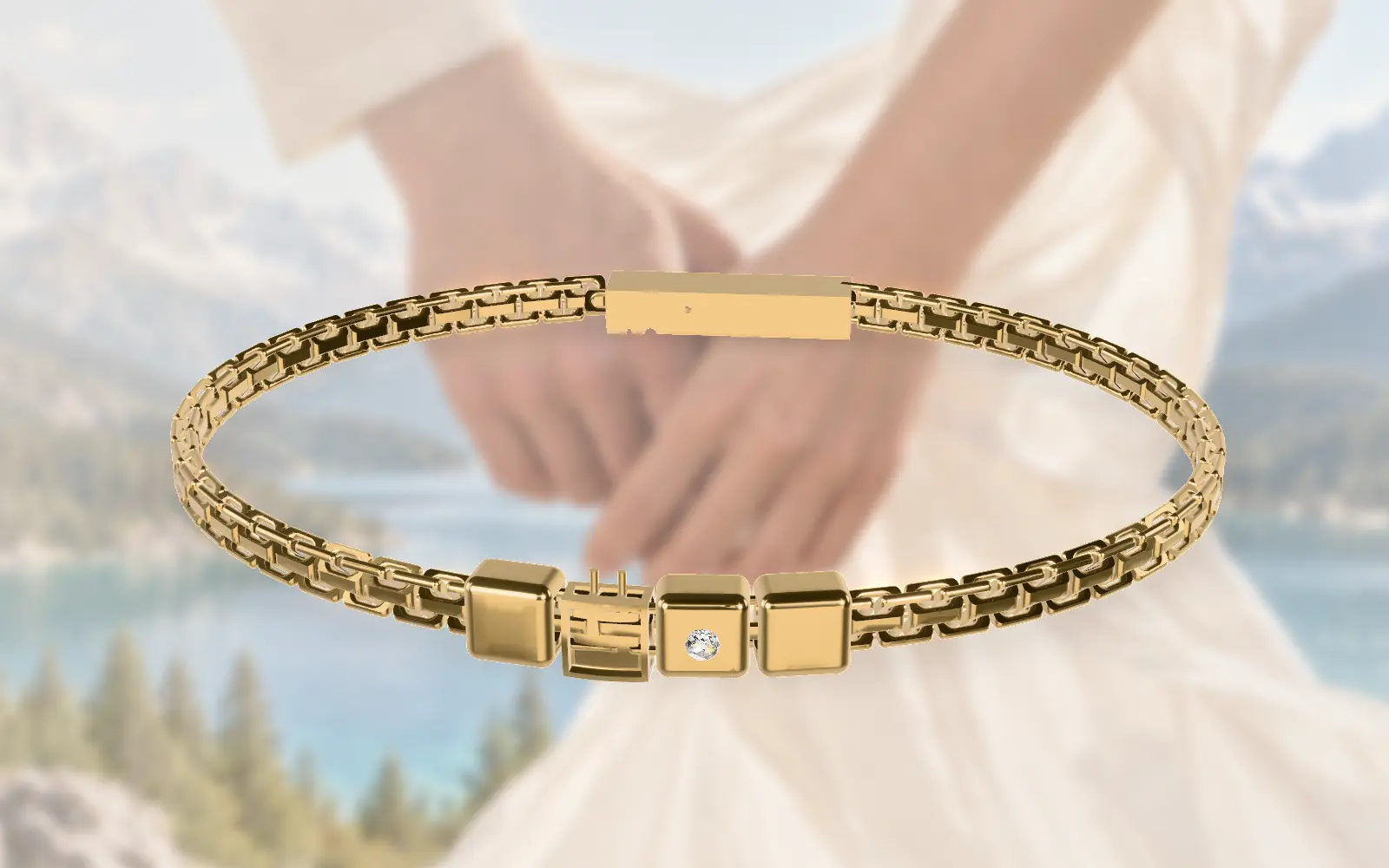
The builder looks simple, but hides plenty of shortcuts:
- Right-click (tap on phone) a piece to change its metal, stone, enamel and note; right-click the chain for its metal and the bracelet's name.
- Drag and drop to reorder pieces.
- Showcase mode spins the bracelet; fullscreen for a closer look.
- Undo: Ctrl/⌘ + Z — up to 50 steps.
- Clear all keeps the chain and stoppers.
- Magnifier opens any piece in its own 3D preview; hearts sync your favourites across devices.
- The On bracelet tab lists every piece currently on your bracelet.
#oluşturucu#ipucu